A floating drag-and-drop shelf for Windows
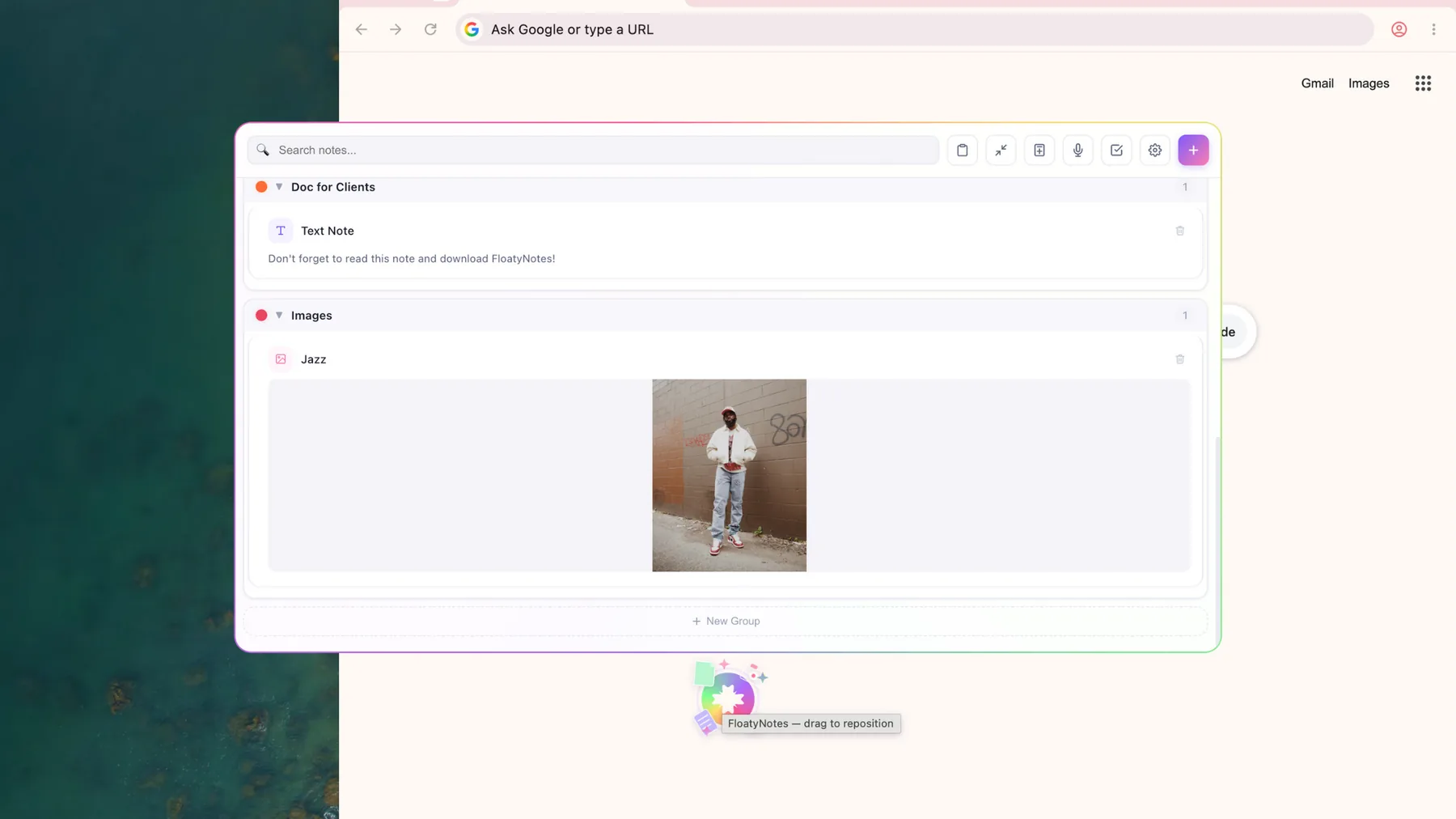
A drag-and-drop shelf gives files and text somewhere to wait while you switch apps. FloatyNotes floats above your other windows, so what you dropped in stays within reach.
No card required. Then $4.99/month or $39.99/year.
How it works
- Drop things in: drag text, images or files onto the floating icon or panel, or paste from your clipboard.
- Switch apps: the panel stays above your other windows.
- Drag them out: pull items into another app, or click one to copy it.
What you can use it for
- Moving files between folders: collect files from different places, then drop them where they belong.
- Building emails and documents: keep images, PDFs and text ready to drag in.
- Creative projects: keep images, audio and video clips close while you work.
- Text you reuse: save snippets once and copy them with a click.
What it holds
FloatyNotes accepts text, images, PDFs, audio, video, code and other file types. You can sort items into named groups and collapse the ones you don't need right now.
Common questions
Are my files uploaded anywhere?
No. Your notes and files stay on your computer, and there's no cloud sync. That also means they won't appear on your other devices.
Why does Windows show a warning when I install it?
The installer isn't code-signed yet, so Windows SmartScreen may show an "unknown publisher" warning. To continue, select More info, then Run anyway.
Is there a free option for quick notes?
Yes. Our free online sticky notes run in your browser with no sign-up. They hold text only and don't float above other apps.